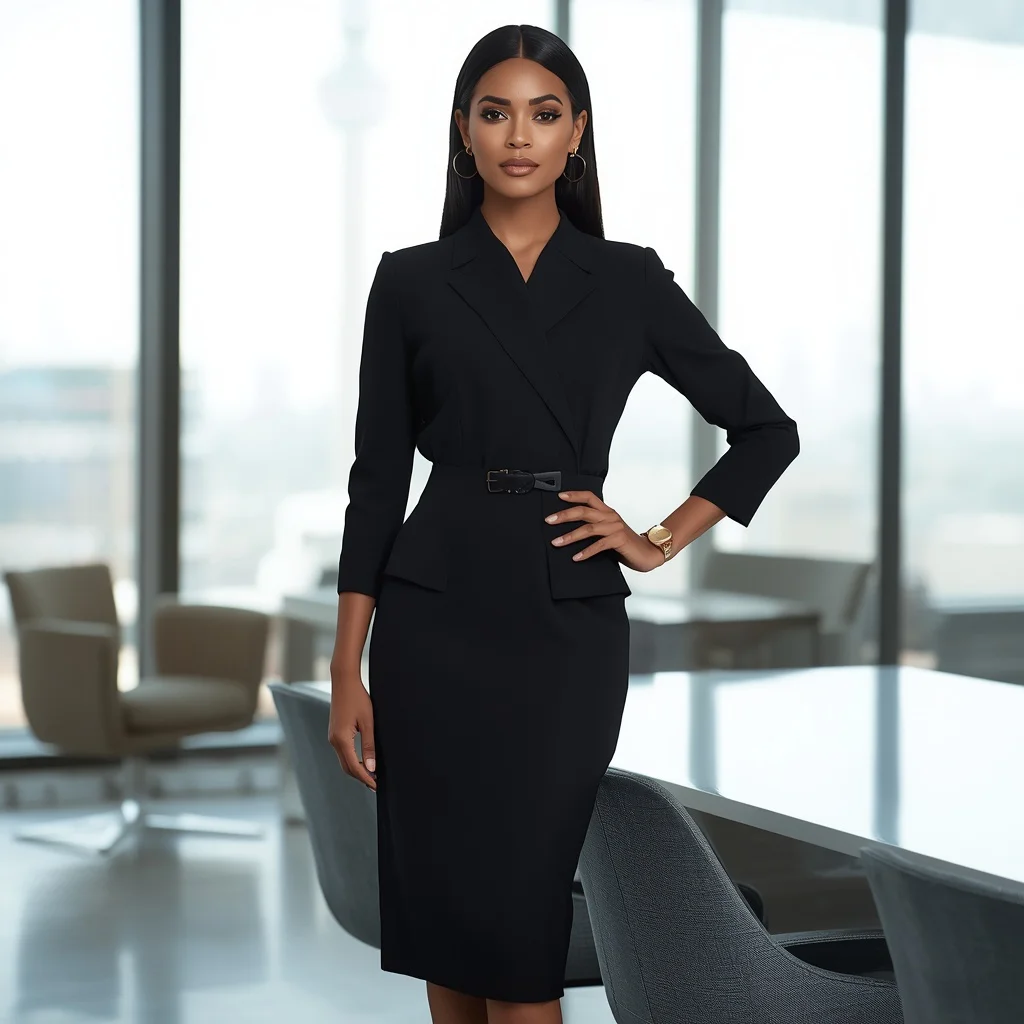
Urban Chic: Indian Woman in a Contemporary Pastel Saree Against Cityscape | Modern Saree Prompt
This modern saree prompt captures a moment of quiet confidence high above a glowing city. It blends traditional Indian draping with a sharply contemporary attitude, creating an image that feels both rooted and forward-looking.
The scene is built around a pastel charcoal grey saree with minimalist lines, a graphic makeup look, and the ambient glitter of twilight. Every detail works together to produce a polished, editorial-style portrait that suits fashion portfolios, concept art, and stylish social media posts.
What this urban-chic balcony prompt is asking for
The prompt describes a full-figure portrait of an Indian woman on a high-rise balcony at twilight. Her saree is a contemporary pastel charcoal grey with a sleek, minimalist drape, and her accessories include a stylish metallic clutch held in one hand while the other tucks casually into the pallu. The mood is cool, self-assured, and glamorous, reinforced by bold modern makeup and a sleek straight bob.
- Pastel charcoal grey saree with minimalist design
- Modern blouse paired with the saree
- One hand tucked into the pallu
- Stylish metallic clutch in the other hand
- Graphic eyeliner and strong brow makeup
- Sleek, straight bob hairstyle
- Twilight cityscape with blurred, glittering skyline
The twilight balcony scene the words build
The image places the subject on a high-rise balcony, and the prompt frames her stance with deliberate poise: she “stands confidently” while “overlooking a bustling cityscape at twilight.” The backdrop is described as “a blurred, glittering city skyline at dusk,” which pushes the focus onto the woman while still wrapping her in a sophisticated urban glow.
Small quoted details like “ambient city lights” and “soft, twilight illumination” set the lighting mood without overpowering the figure. The composition asks for a shallow depth of field that keeps the skyline dreamy and out of focus, letting the saree’s pastel charcoal grey and the metallic clutch catch the available light.
Why this pastel saree city portrait stands out
This prompt earns attention because it fuses classic Indian attire with a sharp, modern aesthetic that avoids looking costume-like. The twilight setting adds natural glamour through ambient light, while the specific styling choices—graphic eyeliner, a strong brow, and a sleek bob—give the image a high-fashion editorial feel. It also offers a clear, repeatable formula that works across multiple AI image generators without losing its polished identity.
- Combines traditional saree draping with a confident, contemporary pose and makeup
- Twilight city lights create a naturally glamorous, soft-lit backdrop
- Specific styling details make the prompt easy to replicate while still looking editorial
Three visual styles that fit this prompt
This prompt can be rendered in three distinct visual directions. A fashion editorial style leans into high-contrast lighting and magazine-cover polish. A cinematic style adds a slight film grain and dramatic lens flares from the city lights. A hyper-realistic portrait style focuses on skin texture, fabric weave, and the subtle shimmer of twilight on the metallic clutch. All three approaches stay within the same balcony scene and saree look.
- Fashion editorial: Use high-contrast lighting and a clean, magazine-style crop that highlights the graphic eyeliner and sleek bob.
- Cinematic: Add subtle film grain and soft lens flares from the blurred city lights to give the twilight balcony a movie-still mood.
- Hyper-realistic portrait: Emphasize skin pores, the fine weave of the pastel charcoal grey saree, and the metallic clutch’s reflective surface under ambient light.
How to generate this modern saree image step by step
Start by copying the full prompt text into your chosen AI image tool. If the platform supports reference images, upload a clear photo that matches the pose and lighting direction described. After generating, inspect the hands, face, and the metallic clutch for distortions. Run a few variations, pick the best composition, and use an upscaler for final polish.
- Copy the prompt. Paste the exact prompt text into the image generator’s input field without altering the descriptive order.
- Upload a reference photo. Provide a reference image that shows a similar balcony pose, twilight lighting, and a sleek hairstyle to guide the composition.
- Set the aspect ratio. Choose a vertical 2:3 or 3:4 portrait ratio to frame the full figure and the blurred skyline behind her.
- Generate initial outputs. Run the prompt and produce at least four variations to compare lighting, fabric drape, and background blur quality.
- Check hands and face. Zoom in on the hand tucked into the pallu, the hand holding the clutch, the graphic eyeliner, and the strong brow for any warping.
- Refine and upscale. Select the strongest image, apply an upscaler, and optionally adjust the twilight color balance in an external editor.
Choosing the right reference photo for the balcony look
A well-chosen reference photo can dramatically improve the realism and pose accuracy of this prompt. The reference should mirror the confident stance and the twilight balcony setting without needing to match the saree or makeup exactly.
- Pick a photo shot on a balcony or rooftop with visible city lights at dusk to anchor the background blur.
- Use an image where the subject stands with one hand near the waist and the other holding a small object, mimicking the pallu tuck and metallic clutch.
- Choose a reference with sleek, straight hair and a visible jawline to help the AI lock onto the bob and strong brow shape.
AI tools that handle this saree prompt well
Different AI image generators interpret the twilight lighting, fabric texture, and makeup details in their own way. The table below compares four popular tools for this specific prompt, noting how each one handles the pastel charcoal grey saree and the blurred cityscape.
| Tool | Access | Typical realism | Useful here for |
|---|---|---|---|
| ChatGPT | DALL·E integration | Good, slightly painterly | Rendering the soft twilight illumination and the sleek straight bob with consistent styling |
| Google Gemini | Imagen integration | High, photographic | Capturing the pastel charcoal grey saree’s minimalist drape and the metallic clutch’s reflections accurately |
| Leonardo AI | Web platform | Very high with fine-tuning | Producing the blurred, glittering skyline at dusk while keeping the graphic eyeliner sharp |
| Midjourney | Discord-based | Excellent, often cinematic | Delivering the cool, self-assured expression and strong brow with dramatic ambient city lights |
Three tips for a flawless modern saree portrait
Small adjustments in your workflow can make the difference between a generic result and a striking image. These tips focus on the pastel charcoal grey saree, the metallic clutch, and the twilight backdrop to keep the output aligned with the prompt’s vision.
- Mention the pastel charcoal grey saree by its exact shade in any negative prompts to avoid the AI drifting toward solid black or bright silver fabrics.
- Describe the metallic clutch as a secondary focal point in your upscaling step so its reflective surface stays crisp against the blurred skyline.
- Use a dusk-specific lighting keyword like “twilight ambient glow” in the sampler settings to prevent the background from turning into a flat night sky.
Common issues and quick fixes for this prompt
Even a well-written prompt can produce flawed outputs. The table below lists four frequent problems users encounter with this balcony scene and the simple changes that resolve them.
| Issue | What to change |
|---|---|
| The saree appears solid black instead of pastel charcoal grey | Add “light charcoal grey with a soft pastel undertone” to the prompt and reduce contrast in the sampler |
| The hand tucked into the pallu looks fused or missing | Rephrase to “one hand gently resting inside the edge of the pallu” and increase hand-fix guidance |
| The city skyline renders in sharp focus instead of blurred | Strengthen “blurred, glittering city skyline” with “shallow depth of field, bokeh city lights” |
| The graphic eyeliner becomes smudged or asymmetrical | Add “crisp, symmetrical graphic eyeliner” and use a face-restoration step after generation |
Frequently Asked Questions
Can I change the saree color and still keep the modern urban mood?
Yes, you can swap the pastel charcoal grey for another muted pastel like dusty rose or sage green, but keep the minimalist design and modern blouse pairing to maintain the sleek, contemporary feel.
What if the AI makes the bob hairstyle too short or uneven?
Add the phrase “chin-length sleek straight bob with blunt ends” to the prompt and use a reference photo that clearly shows a similar cut. Running a face-restoration tool afterward often fixes asymmetry.
Does this prompt work for a daytime version without losing the glamour?
It works if you replace “twilight” with “golden hour” and “ambient city lights” with “warm sunlight reflecting off glass buildings.” The metallic clutch and graphic eyeliner will still carry the glamorous tone.
Conclusion
This Urban Chic prompt delivers a refined, modern portrait that balances Indian saree tradition with a bold city aesthetic. The pastel charcoal grey drape, graphic makeup, and twilight skyline work together to produce an image that feels sophisticated and effortlessly cool. With the right tool settings and a careful eye on fabric tones and hand details, you can generate a striking, editorial-quality portrait that stands out in any collection.
When you have your final image, spend a few minutes refining the twilight color balance and sharpening the metallic clutch details—small edits on a photo you own can turn a good portrait into a portfolio piece.