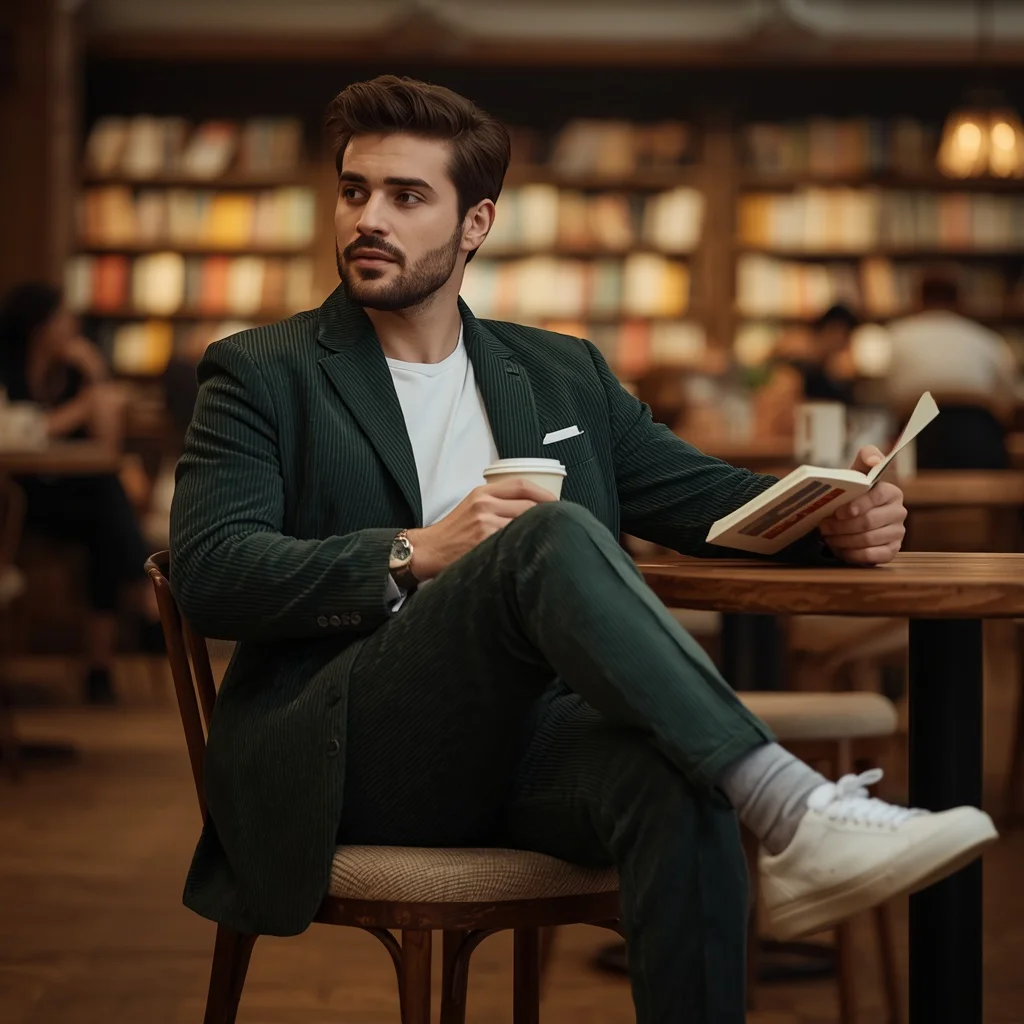
Sophisticated Male Model In Minimalist Monochromatic Outfits Two | Makeup Ai Prompt
Monochromatic styling strips away distraction and puts the focus entirely on texture, cut, and the person wearing the clothes. When you build an AI prompt around a sophisticated male model in a series of single-colour looks, you invite the generator to explore how light falls on a white blazer, how a slate grey suit holds deep shadows, and how a charcoal silk shirt catches a subtle gleam. The result feels like a high-end editorial spread pulled straight from a fashion magazine.
This particular prompt asks for a premium collage arranged in clean diamond-cut panels, each frame presenting a distinct designer look. The strong poses, soft cinematic lighting, and 8k resolution work together to create an image that reads as both aspirational and meticulously styled. Whether you are experimenting with men's fashion prompts or building a portfolio of portrait concepts, this setup gives you a refined, gallery-ready result without needing a full production crew.
What this monochromatic male-model collage prompt is asking for
The prompt describes a multi-panel composition built around one male model wearing three distinct monochromatic party outfits. It is not a single portrait but a structured collage where each diamond-cut frame isolates a different designer look. The generator needs to understand that the same person should appear in all panels, maintaining facial consistency while changing clothing, posture, and the mood of each shot.
- A premium collage layout with clean diamond-cut panel divisions
- One sophisticated male model appearing consistently across all frames
- A white tailored blazer paired with slim trousers in the first panel
- A textured slate grey suit in the second panel
- A charcoal black silk shirt in the third panel
- Bold editorial poses including an assertive gaze and a relaxed side angle
- Soft cinematic lighting and ultra-realistic 8k resolution
The scene and the exact words that shape it
The overall composition is described as a "premium collage featuring a sophisticated male model in monochromatic western party wear." This phrasing tells the AI to treat the output like a curated fashion storyboard rather than a casual snapshot. The word "premium" pushes the generator toward polished textures and deliberate framing, while "monochromatic western party wear" anchors the colour palette to single-hue outfits that still feel celebratory and sharp.
The structural detail "frames are structured in clean diamond-cut panels" defines how the images sit together on the canvas. Meanwhile, the pose direction "bold and editorial, including an assertive gaze and a relaxed side angle" gives each panel its own emotional weight. Combined with "soft cinematic lighting, ultra-realistic, 8k resolution," the scene becomes a high-contrast studio environment where fabric texture and facial expression carry the entire narrative.
Why this prompt works for striking male portraits
This prompt succeeds because it combines a clear visual structure with enough variety to keep the eye moving across the collage. The three distinct outfits prevent monotony, while the shared monochromatic theme ties the panels together. The editorial pose descriptions give the model presence and attitude, and the technical quality markers like 8k resolution and cinematic lighting signal the AI to prioritise realism and depth.
- The diamond-cut collage format turns three separate looks into one cohesive fashion story, making the image feel curated rather than random.
- Monochromatic outfits in white, slate grey, and charcoal black let the AI focus on fabric texture, drape, and subtle tonal shifts without competing colours.
- Soft cinematic lighting and ultra-realistic rendering ensure the model's skin, hair, and clothing read as tangible and high-end, matching the premium brief.
Three visual styles that fit within this prompt
The prompt already locks in a cohesive aesthetic, but you can lean into three distinct stylistic interpretations without breaking the core description. Each approach respects the monochromatic wardrobe and diamond-cut collage layout while shifting the atmosphere slightly.
- High-fashion editorial: Push the contrast and sharpness further so the white blazer looks almost sculptural and the charcoal silk shirt absorbs light like liquid shadow.
- Soft luxury campaign: Soften the cinematic lighting even more and let warm undertones creep into the slate grey suit, giving the whole collage a gentle, aspirational glow.
- Monochrome fine-art portrait: Convert the output to black-and-white during generation or post-processing, which amplifies the tonal differences between the three outfits and makes the diamond-cut panels feel gallery-ready.
How to generate this male-model collage step by step
Getting a clean multi-panel collage with consistent facial features requires a methodical approach. Start by pasting the prompt exactly as written into your chosen AI image tool. If the platform supports reference images, upload a clear photo of a male face you want the model to resemble. Generate a batch of four initial outputs and pick the one where the diamond-cut panels are most evenly spaced and the model's face looks the same across all frames. Use inpainting or variation tools to fix any panel where the clothing texture or pose feels off.
- Copy the full prompt. Paste the entire prompt text into the image generator without altering the phrasing, so the diamond-cut collage and monochromatic details stay intact.
- Upload a reference photo. If you want a specific face, add a clear front-facing reference image and set it to influence facial structure without overriding the outfits.
- Generate a batch of four. Run four images at once and quickly scan for panel alignment, consistent facial features, and correct clothing colours before choosing the best base.
- Check the hands and face. Zoom into each panel and look for extra fingers, warped knuckles, or asymmetrical eyes; these are common in multi-frame collages and need early catching.
- Inpaint panel details. Use an inpainting brush to redraw any section where the white blazer loses its tailored shape or the charcoal silk shirt blends into the background.
- Upscale to 8k. Apply an 8k upscaler to the final composite so the fabric textures and skin pores match the ultra-realistic requirement in the prompt.
Choosing the right reference photo for this collage
A reference photo is not mandatory, but it dramatically improves facial consistency across the three diamond-cut panels. The AI needs a clear map of bone structure, eye shape, and jawline to replicate the same person in different poses and lighting angles. Pick a reference that matches the sophisticated, editorial mood of the prompt.
- Use a front-facing headshot with even, soft lighting so the generator can read the facial features without harsh shadows confusing the structure.
- Choose a photo where the model has a neutral or slightly intense expression, mirroring the "assertive gaze" mentioned in the prompt, to help the AI lock in the right attitude.
- Avoid busy backgrounds or accessories in the reference; a plain backdrop keeps the AI focused on the face, which is the only element you want to carry into the collage.
AI tools that handle this monochromatic collage well
Different platforms interpret multi-panel prompts with varying success. The table below compares four popular tools based on how they handle the diamond-cut layout, fabric realism, and facial consistency required by this sophisticated male-model prompt.
| Tool | Access | Typical realism | Useful here for |
|---|---|---|---|
| ChatGPT | DALL·E integration | High, painterly-realistic | Maintaining the same face across all panels while rendering the textured slate grey suit accurately. |
| Google Gemini | Imagen integration | Very high, photographic | Producing clean diamond-cut panel divisions and soft cinematic lighting that wraps around the charcoal black silk shirt. |
| Leonardo AI | Web platform, free tier available | High, with fine detail control | Using inpainting to fix the white tailored blazer edges and ensuring the relaxed side-angle pose reads naturally. |
| Midjourney | Discord-based, subscription | Exceptional, often hyper-real | Delivering ultra-realistic skin texture and fabric depth at 8k resolution across the entire premium collage. |
Three practical tips for better monochromatic collage results
Small adjustments in how you prompt or post-process can make a big difference when the subject is a multi-panel fashion image. These tips focus on preserving the distinct identity of each outfit while keeping the whole collage looking intentional.
- Ask the AI to add a subtle rim light behind the model in the charcoal black silk shirt panel; it stops the dark fabric from merging with the background and highlights the shirt's sheen.
- In the white tailored blazer frame, request a slight texture contrast such as a matte lapel against a subtle sheen on the slim trousers so the monochrome look does not flatten into a single white block.
- If the diamond-cut panel lines appear uneven, use a post-generation crop tool to straighten the borders manually, then re-import the cleaned composition for a final upscale pass.
Common issues when generating this male-model collage
Even a well-written prompt can produce flawed outputs when multiple panels and outfit changes are involved. The table below lists four frequent failures and the specific changes that usually resolve them.
| Issue | What to change |
|---|---|
| The model's face looks different in each diamond-cut panel. | Add a phrase like "same male model in every frame" and use a consistent reference image with high facial-influence settings. |
| The slate grey suit appears blue or brown instead of a true neutral grey. | Replace "slate grey" with "neutral mid-tone grey with no colour cast" and reduce the colour temperature in the prompt. |
| The diamond-cut panel borders are wavy or overlap awkwardly. | Add "geometrically precise diamond-cut frames with straight clean edges" and generate on a platform with strong layout adherence. |
| The charcoal black silk shirt loses its silk texture and looks like cotton. | Include "visible silk sheen and soft fabric drape on the charcoal shirt" and increase the detail weight for that panel during inpainting. |
Frequently Asked Questions
Can I change the number of panels in the collage?
Yes, you can edit the prompt to request two, four, or more diamond-cut panels. Keep in mind that adding panels increases the chance of facial inconsistency, so you may need to reinforce "same male model" language and use a strong reference image.
What if I want a different colour for the third outfit?
You can swap "charcoal black silk shirt" for another deep monochromatic shade like navy, burgundy, or espresso brown. Make sure the new colour still reads as party wear and fits the soft cinematic lighting described in the prompt.
Does this prompt work for generating a single portrait instead of a collage?
Absolutely. Remove the collage and diamond-cut panel language, choose one outfit from the three, and keep the rest of the prompt intact. You will get a standalone editorial portrait with the same cinematic quality and sophisticated mood.
Conclusion
This sophisticated male-model prompt turns a simple idea, monochromatic party wear, into a layered visual experience through its diamond-cut collage structure and precise outfit descriptions. The white tailored blazer, textured slate grey suit, and charcoal black silk shirt each bring a different energy, while the soft cinematic lighting and editorial poses tie everything into one polished whole. Whether you use it as-is or tweak the colours and panel count, the prompt gives you a strong foundation for generating high-end male fashion images that feel intentional and premium. With the right tool, a good reference photo, and a little patience during the inpainting stage, you can produce a result that looks like it belongs on a billboard or in a luxury lookbook.
Once your image is ready, open it in your preferred editing software to fine-tune contrast and crop the diamond-cut borders, knowing you have full permission to edit a photo you created yourself.