

New 10 AI Art Prompts for Sci-Fi, Fantasy, and Surreal Digital Illustrations of Futuristic Vehicles
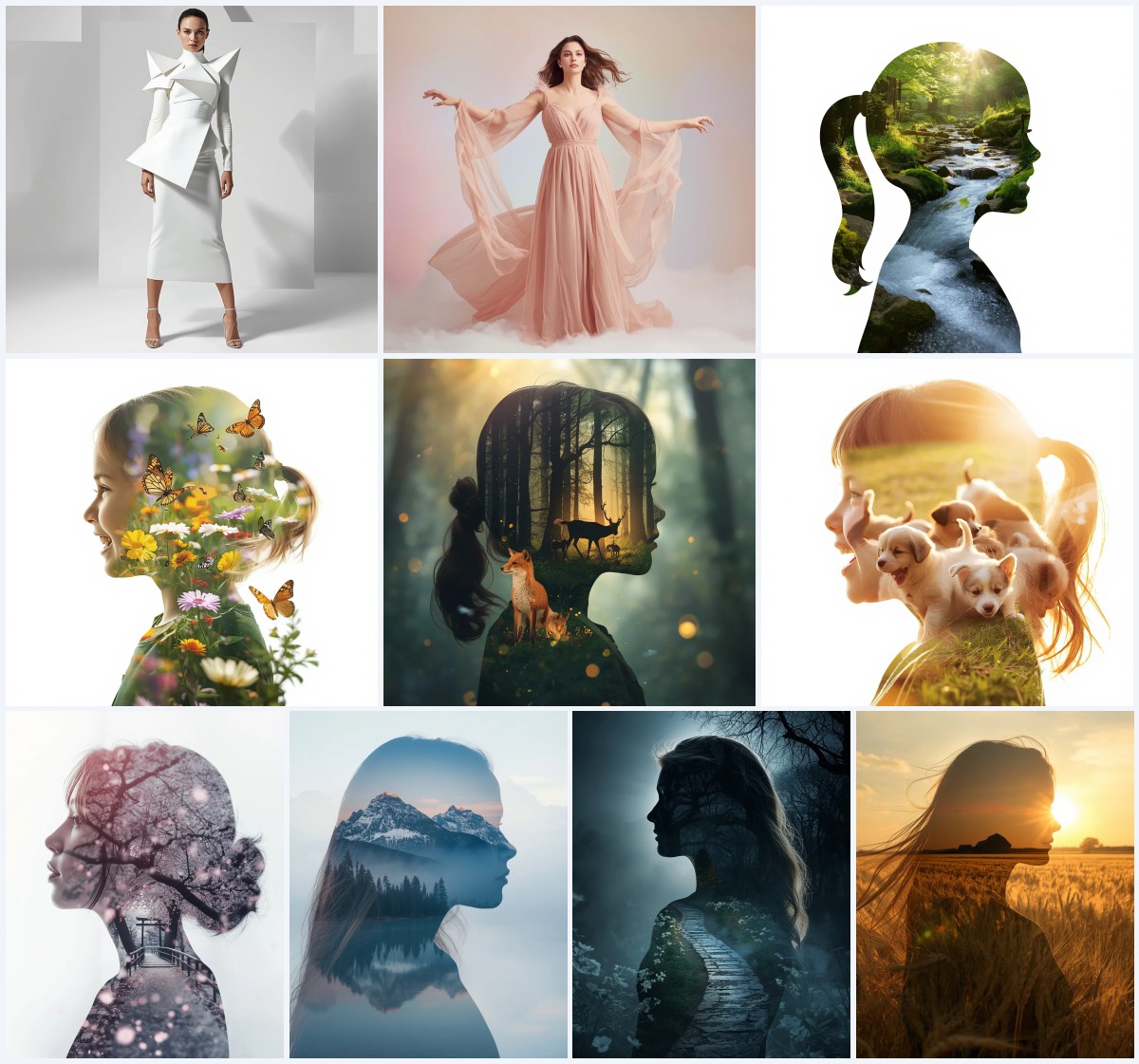
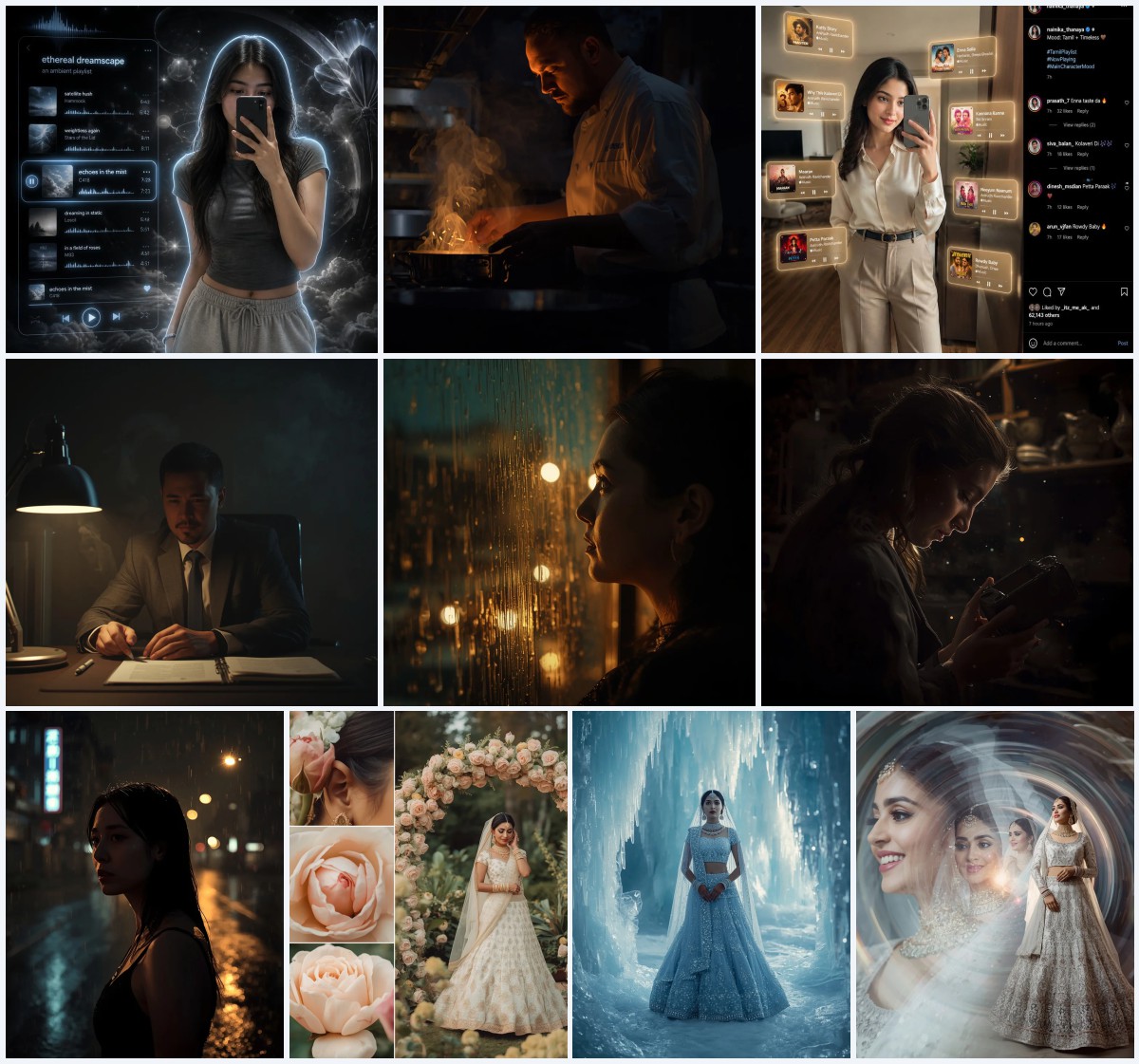
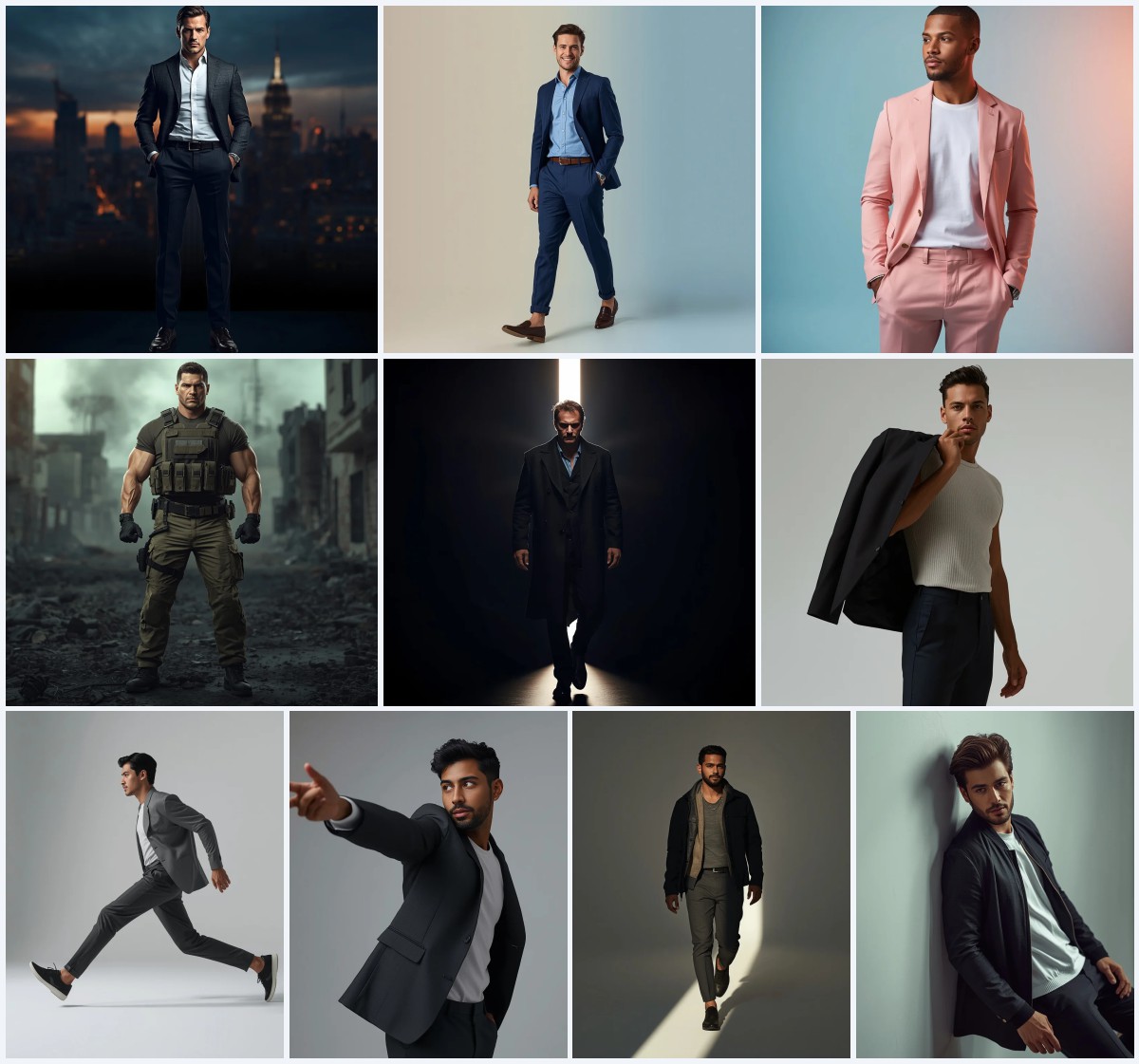
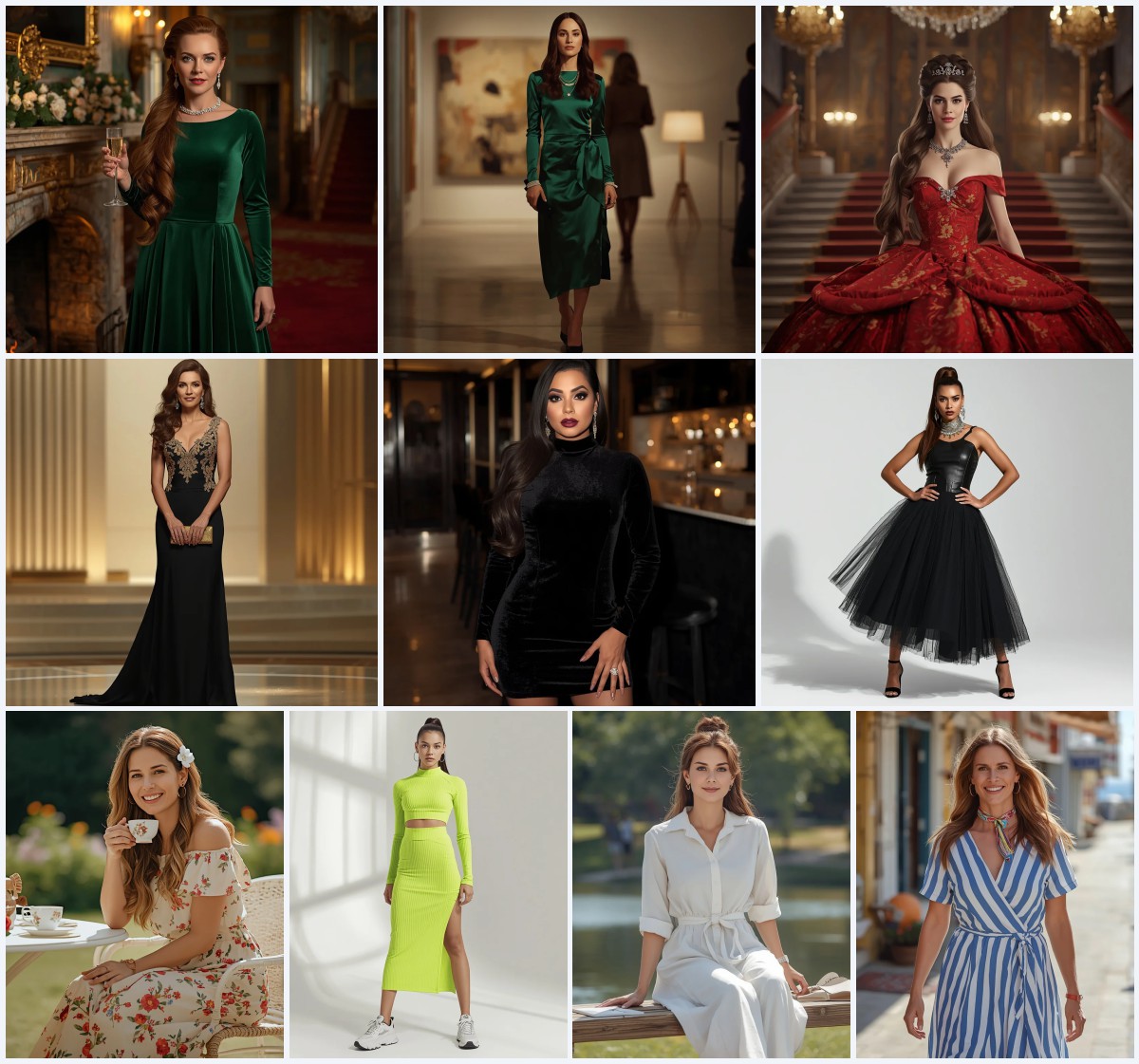
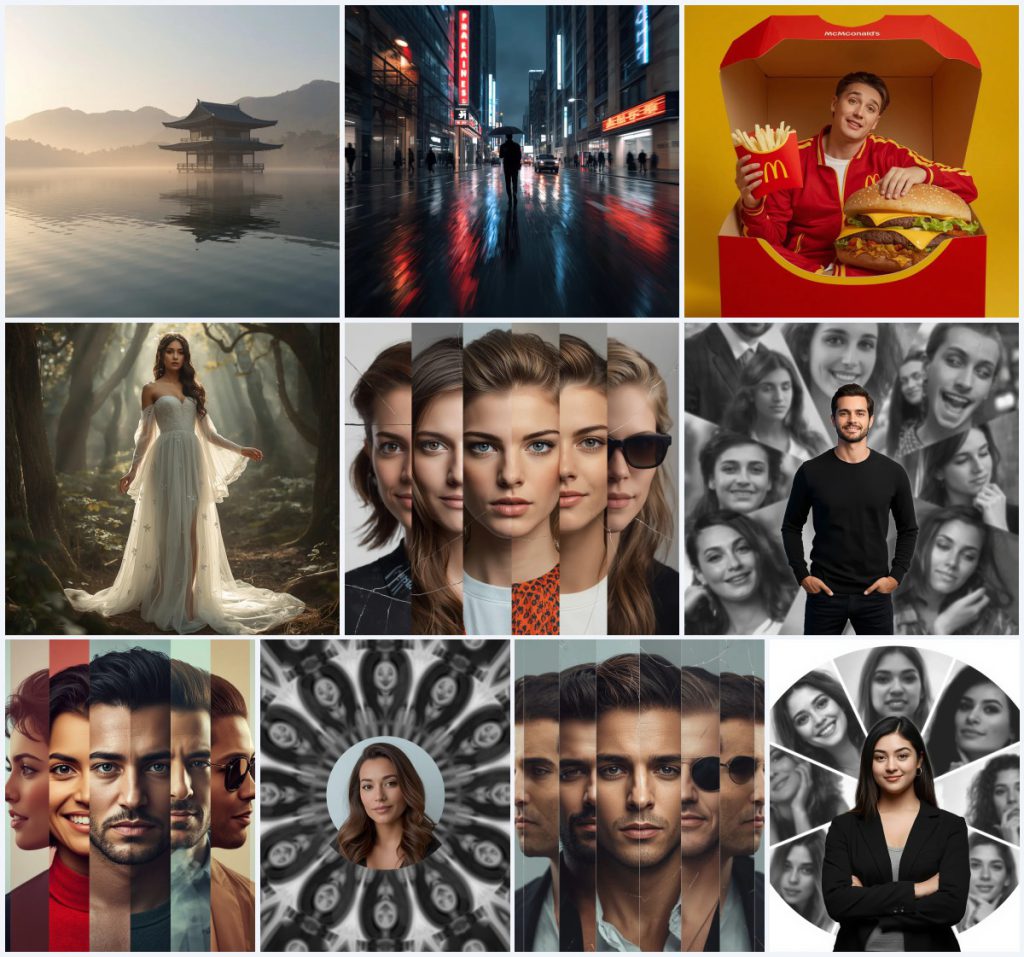
This collection brings together ten distinct AI art prompts, each designed to generate a unique digital illustration centered on futuristic vehicles, surreal portraits, or cinematic fantasy scenes. From a floating Zen temple reflected in misty waters to a dynamic rainy city street and a series of personality-split portraits, the set offers a wide creative playground for anyone looking to produce striking, high-resolution artwork.
Rather than focusing on a single image, these prompts share a common thread of ultra-realistic rendering and imaginative composition. Whether you want a magical forest bride, a playful fast-food scene, or a radial collage with monochrome slices, each prompt includes concrete visual cues that guide the AI toward a polished, gallery-worthy result. The following guide breaks down the shared scene logic, stylistic choices, and practical steps to help you get the best output from every prompt in this premium bundle.
What this set of ten prompts is asking for
Across the collection, each prompt instructs the AI to produce a highly detailed digital illustration with a strong emphasis on realism, lighting, and composition. The shared requirements include 8K resolution, photorealistic or cinematic quality, and careful attention to reflective surfaces, atmospheric effects, and facial identity when a reference image is used.
- A floating traditional Japanese Zen temple on a misty lake with golden dawn light and mountain silhouettes
- A rainy city street at night with neon reflections, motion blur, and a single umbrella figure
- A person seated inside an oversized McDonald's burger box holding fries, wearing a red tracksuit with yellow stripes
- A woodland bride in a flowing white organza gown with silver glitter, barefoot among ancient trees
- A central full-color subject surrounded by a radial collage of black-and-white portraits with varied expressions like a puppy face
- A split-personality composition with multiple sections showing different poses while keeping the central portion visually dominant
The visual world these prompts build together
The collection moves between tranquil natural settings, bustling urban environments, and tightly controlled studio-style compositions. In the Zen temple prompt, the scene is built around "a misty, calm lake at dawn" with "soft, diffused golden light" that "illuminates the scene" and creates a "peaceful atmosphere." The forest bride shares this ethereal quality, placing her "barefoot amidst ancient trees" where "shafts of sunlight filtering through the canopy" produce a "whimsical and dreamy scene."
Urban and commercial energy takes over in the rainy street prompt, where "wet asphalt reflects neon signs and vehicle lights in long, abstract streaks" and "pedestrians move with a slight motion blur." The McDonald's scene shifts to a playful, oversized world with the subject "sitting comfortably inside an oversized open McDonald's burger box next to a giant cheeseburger." Portrait-based prompts like the radial collage rely on a "circular collage background" divided into "multiple radial slices," each containing "different black-and-white portraits" that contrast with the "full color" central figure.
Why these prompts work for striking digital art
Each prompt is engineered to produce visually cohesive and emotionally engaging images by combining precise descriptive language with technical quality markers. The emphasis on ultra-realism, specific lighting conditions, and compositional rules gives the AI clear boundaries, reducing randomness and increasing the chance of a polished result. Whether you are building a portfolio, creating social media content, or experimenting with AI art styles, these prompts deliver consistent, high-impact visuals.
- The Zen temple prompt uses perfect reflection and diffused dawn light to guarantee a serene, cinematic landscape with strong symmetry.
- The rainy street scene leverages motion blur and neon reflections to create a dynamic, editorial-style night photograph full of urban energy.
- The radial collage prompt enforces a strict central-subject rule and monochrome-versus-color contrast, ensuring the final image feels like a professionally designed editorial spread.
Three artistic styles running through this collection
Although the prompts cover varied subjects, three dominant visual styles tie them together. Every prompt can be executed within these stylistic frameworks without leaving the intended look behind.
- Photorealistic Cinematic: This style drives the Zen temple and rainy street prompts, where 8K resolution and atmospheric lighting mimic high-end film photography.
- Magical Realism: The forest bride and floating temple both blend real-world textures with dreamlike elements such as glowing flowers and misty reflections.
- Editorial Portrait Composite: The split-personality and radial collage prompts use studio lighting, sharp focus, and monochrome backgrounds to create magazine-cover aesthetics.
How to generate images with these prompts
Start by selecting one prompt from the collection and copying its full text into your chosen AI image generator. If the prompt requires a reference photo, upload a clear, well-lit image that matches the described pose and framing. After generating, review the output for facial accuracy, hand anatomy, and object coherence before upscaling or editing.
- Copy the prompt. Choose a prompt like the rainy street scene and copy the exact text into the generator's input field.
- Upload a reference. For prompts mentioning an uploaded photo, such as the McDonald's box or radial collage, use a front-facing portrait with even lighting.
- Generate the image. Run the generation with the recommended aspect ratio, such as 16:9 for the temple or 4:5 for the rainy street.
- Check the hands. Inspect hands in the McDonald's and portrait prompts; fingers holding fries or resting on a burger box often need extra scrutiny.
- Check the face. For split-personality and radial collages, verify that the central subject's face exactly matches the reference across all sections.
- Check the main object. In the Zen temple scene, confirm the wooden architecture and its reflection are aligned and free of distortion.
What kind of reference photo works best
Several prompts in this set rely on an uploaded reference image to anchor the subject's identity. A strong reference makes the difference between a generic result and one that faithfully reproduces the intended person.
- Use a front-facing or three-quarter portrait with soft, diffused lighting to avoid harsh shadows that confuse the AI during face matching in the radial collage prompt.
- Match the pose and framing described in the prompt—for the McDonald's scene, a seated posture with one arm resting casually will help the AI reconstruct the exact composition.
- Choose a high-resolution image where facial features, skin tone, and hairstyle are clearly visible, as the split-personality prompts demand consistency across multiple sections.
AI tools suited for these prompts
Different image generators handle ultra-realism, portrait fidelity, and complex compositions with varying success. The table below compares four popular tools and how they can serve specific prompts in this collection.
| Tool | Access | Typical realism | Useful here for |
|---|---|---|---|
| ChatGPT | Free and paid tiers | High when using DALL-E integration | Generating the Zen temple with accurate golden dawn light and mountain silhouettes |
| Google Gemini | Free and paid tiers | Moderate to high | Creating the rainy street scene with neon reflections and motion-blurred pedestrians |
| Leonardo AI | Free and paid tiers | Very high with fine-tuned models | Rendering the forest bride's translucent organza gown and silver glitter details |
| Midjourney | Paid subscription | Exceptional for cinematic scenes | Producing the radial collage with sharp monochrome slices and a confident central pose |
Three tips to sharpen your results
Small adjustments to how you interpret the prompt details can dramatically improve the final image. Focus on the materials and objects named in the text to guide the AI's attention.
- For the forest bride, emphasize the "delicate, translucent white organza" and "silver glitter" by adding a soft backlight in your generation settings to make the fabric glow.
- In the rainy street prompt, boost contrast during post-processing to deepen the "long, abstract streaks" of neon on the wet asphalt and make the single umbrella stand out.
- When working on the McDonald's scene, ensure the "red McDonald's-style tracksuit with yellow stripes" remains vivid by setting a slightly cooler white balance to prevent the red from bleeding into the burger box.
Common issues and quick fixes
Even well-written prompts can produce flawed outputs. The table below lists four typical failures you might encounter with this collection and the specific changes that correct them.
| Issue | What to change |
|---|---|
| The temple reflection appears warped or misaligned | Add the phrase "perfectly mirrored reflection" and reduce the mist density in the prompt. |
| Facial features in the split-personality portrait do not match the reference | Increase the weight of "meticulously maintaining consistency with the reference image" and re-upload a clearer photo. |
| The forest bride's organza gown looks solid instead of translucent | Replace "flowing" with "sheer, layered" and specify "backlit by soft sunlight" to enhance transparency. |
| The radial collage central subject blends into the monochrome background | Strengthen the contrast directive by adding "vivid full-color saturation against deep black-and-white slices." |
Frequently Asked Questions
Can I use these prompts without a reference photo?
Prompts like the Zen temple and rainy street do not require a reference and will generate purely from the text. However, the McDonald's box, split-personality, and radial collage prompts explicitly depend on an uploaded image to anchor the subject's identity, so skipping the reference will produce a random person instead of your intended face.
Which aspect ratio should I prioritize for the rainy street prompt?
The prompt specifies a 4:5 portrait orientation, which works best for capturing the vertical motion of pedestrians and the tall reflections of neon signs on the wet asphalt. Using a landscape ratio would crop the streaks and reduce the bustling, immersive feel.
How do I keep the forest bride scene from looking like a generic fantasy wallpaper?
Focus on the specific materials named in the prompt—"white organza," "silver glitter," and "delicate floral appliqués." Adding a shallow depth of field and keeping the ancient trees slightly out of focus will draw attention to the gown's texture and the tiny glowing flowers in her hair, making the image feel more intentional and less generic.
Conclusion
This set of ten prompts offers a versatile toolkit for generating everything from serene natural landscapes to high-energy urban scenes and meticulously composed portrait art. By paying close attention to the concrete details—golden dawn light, wet asphalt neon streaks, organza layers, and radial monochrome slices—you can guide any capable AI image generator toward results that feel both professionally crafted and creatively satisfying. Experiment with the recommended tools, apply the troubleshooting fixes when needed, and use the style insights to push each prompt toward its full potential.
Once you have generated your favorite image, feel free to edit and refine it further in your preferred software, because you have every right to make the final photo exactly yours.